From Sign-Up to Closed Deals
Five simple steps to transform how you share properties, connect with clients, and grow your real estate business.
Sign Up
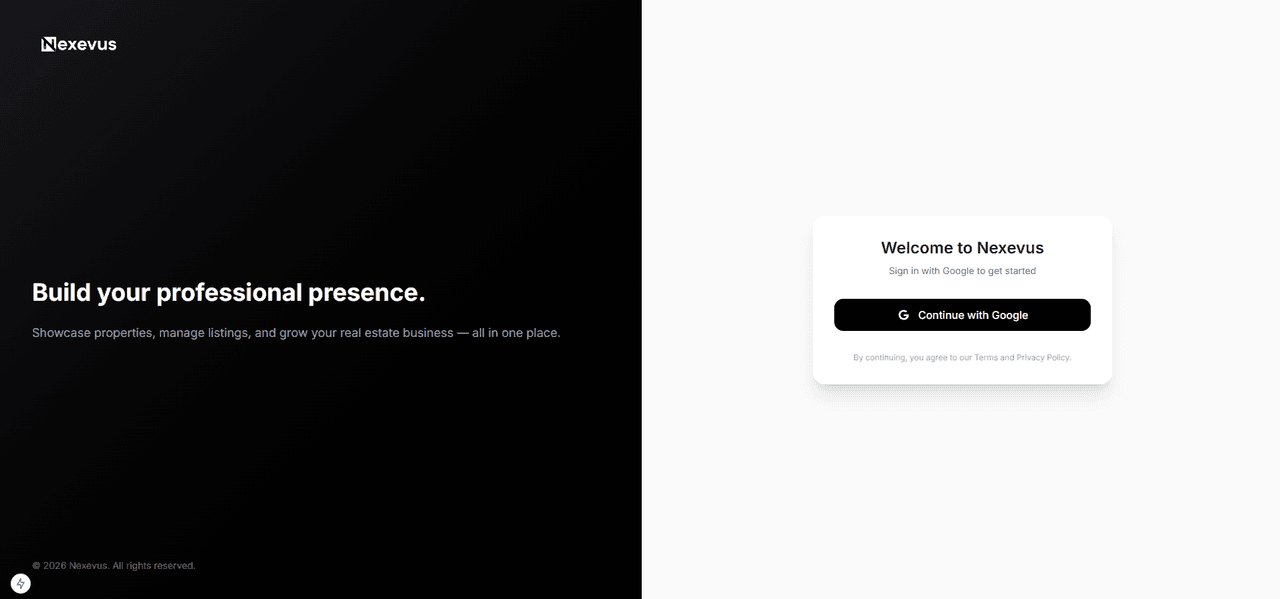
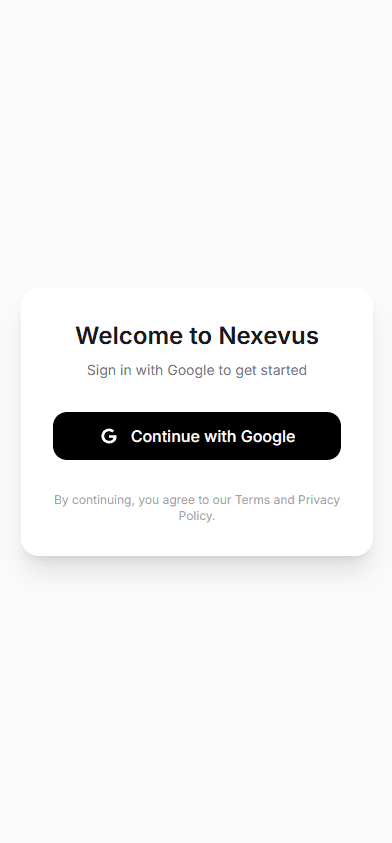
Create your account
Get started with Google sign-in in seconds. No technical skills required — just your email and you're in.
Build Your Profile
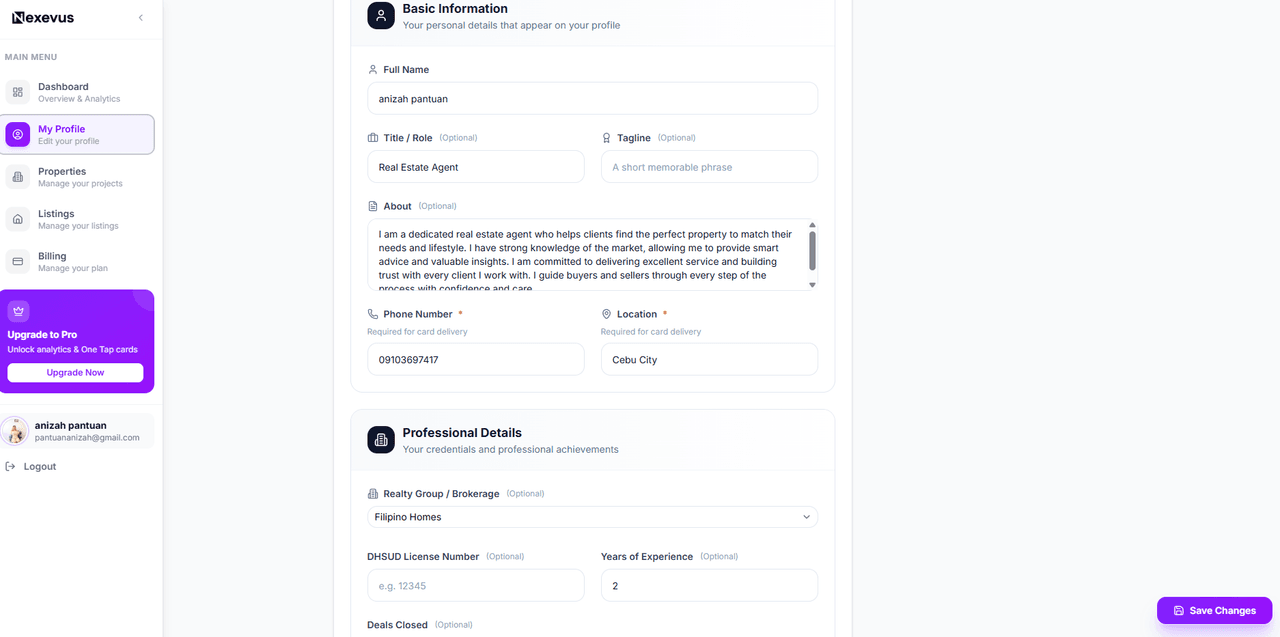
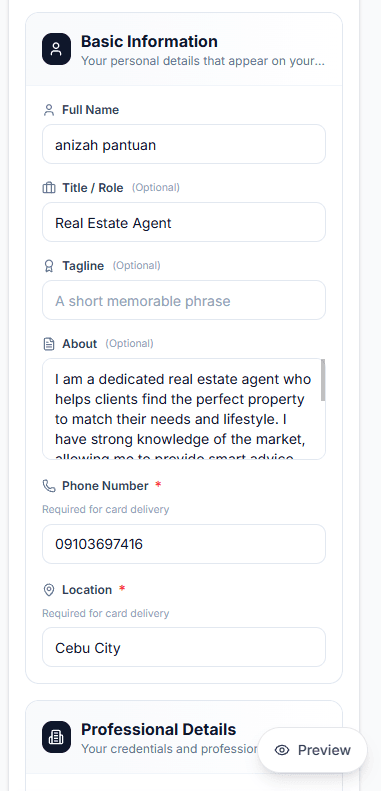
Make it yours
Add your photo, bio, specializations, certifications, and contact info. Your profile is your digital business card — make it count.
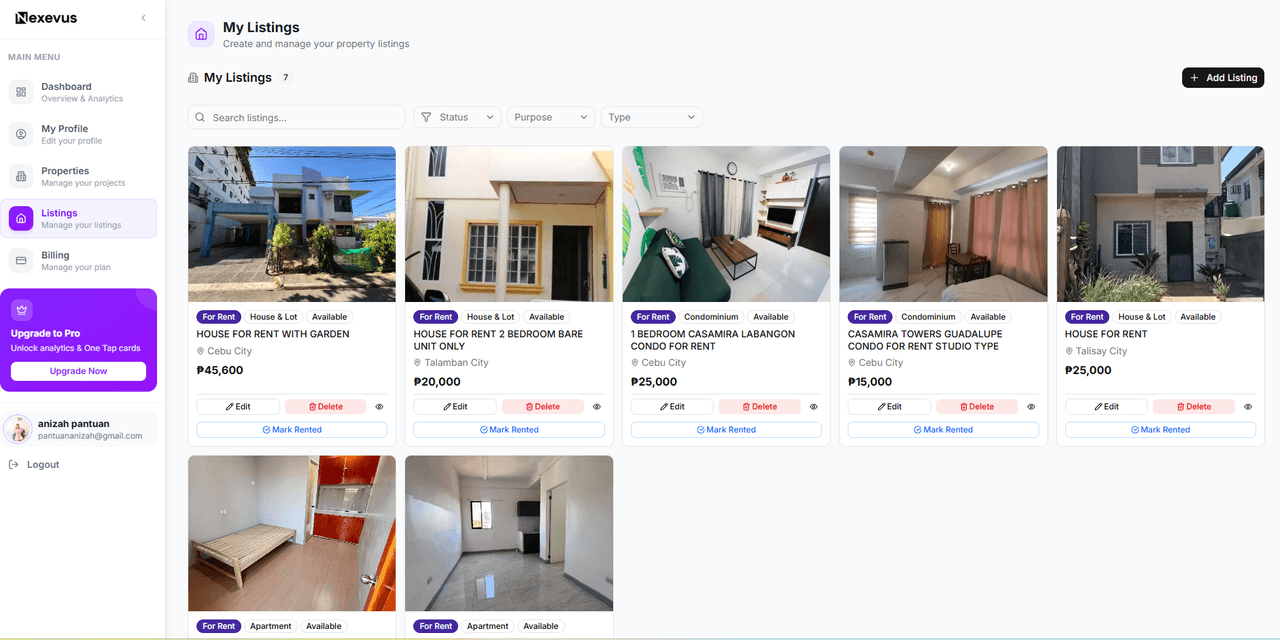
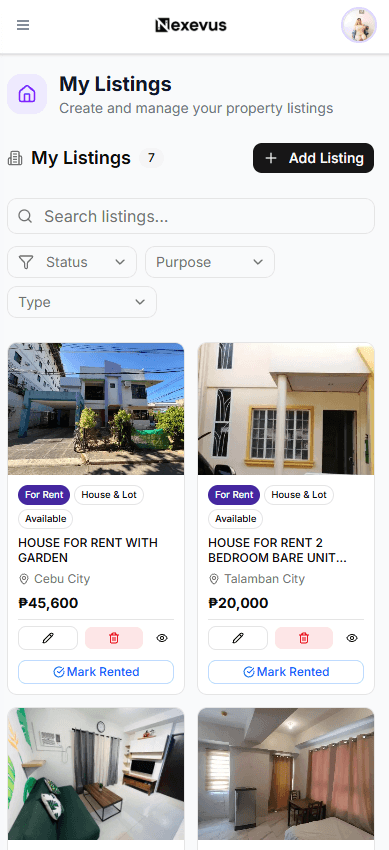
Add Your Listings
Showcase your properties
Upload property listings for sale, rent, or rent-to-own. Add photos, descriptions, pricing, and more — all beautifully presented.
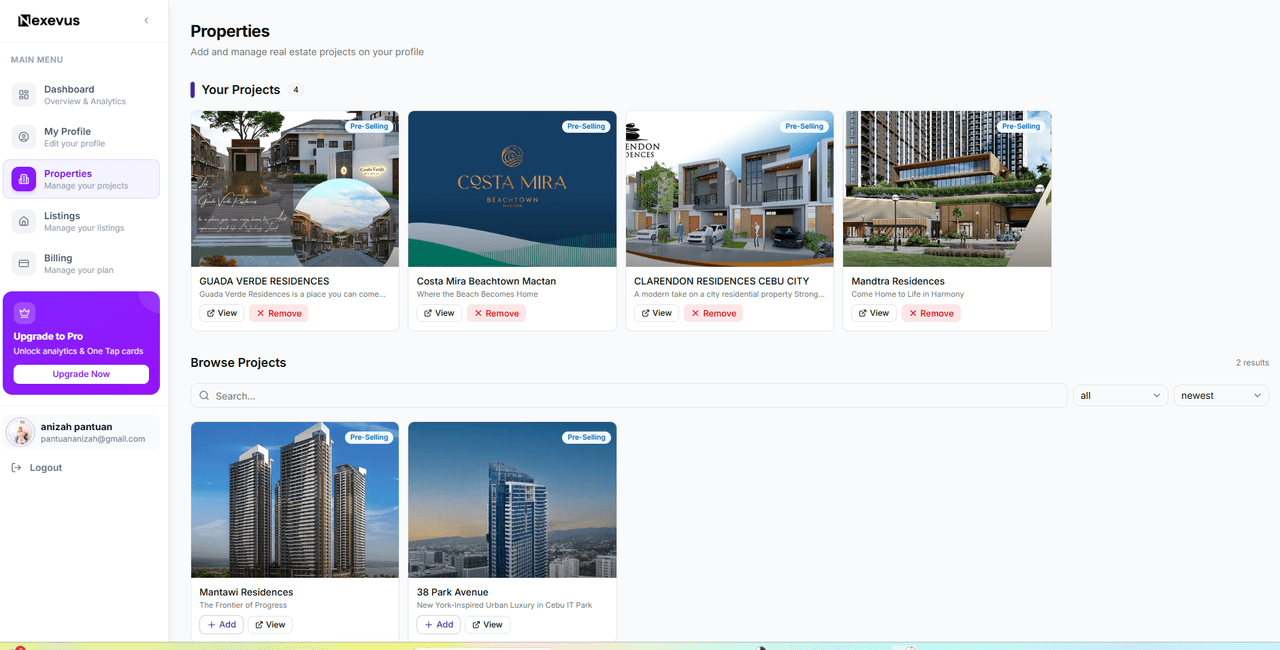
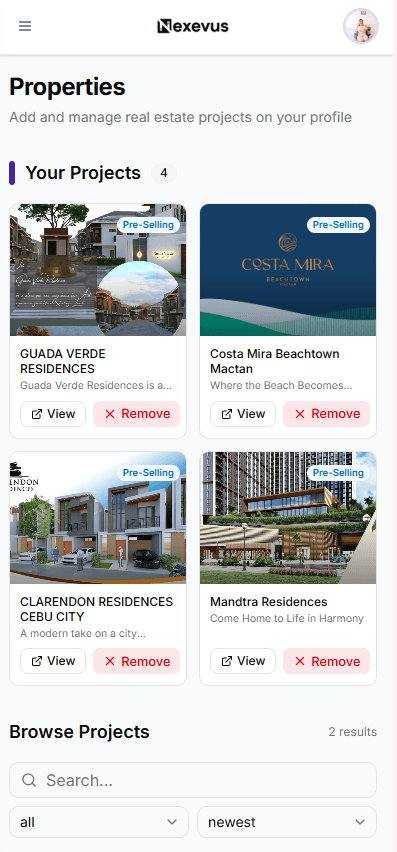
Add Your Projects
Feature pre-selling developments
Showcase pre-selling developments and projects you represent. Add home models, amenities, locations, and highlight what makes each project unique.
Your Page Is Live
Your public profile, ready to share
Your professional page is now live — a complete digital profile with your bio, listings, and projects all in one place. Anyone can visit it anytime, no app needed.
Ready to Get Started?
Create your professional digital profile and start connecting with clients. Free to begin.